Feature
New · Real-Time Voice Call
One Tap, and Your Child Is Talking to Yoggi. Live.
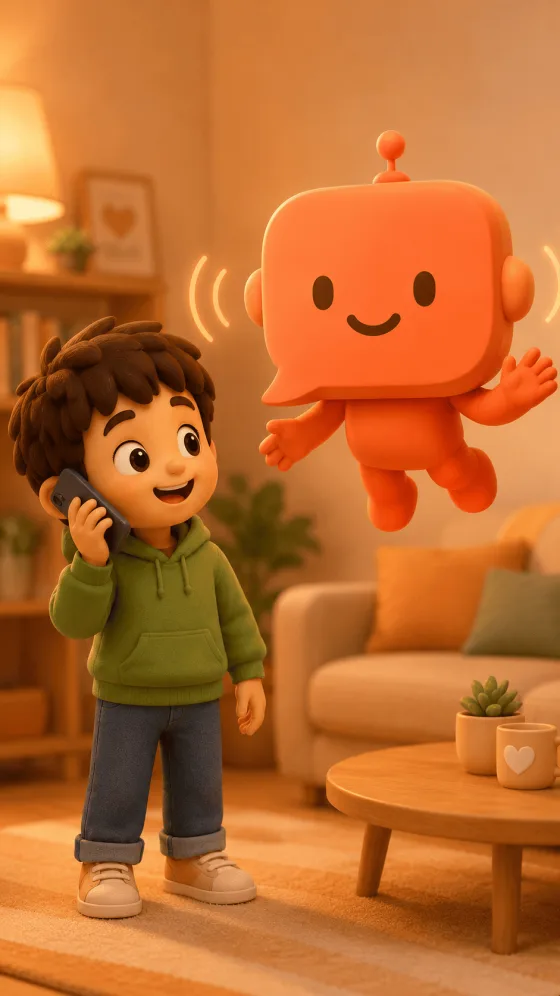
No typing, no text on screen: just a real, live conversation. Your child taps a phone button and talks with Yoggi the way they'd talk to a friend, and Yoggi talks back, in real time, in their own language.


How It Works
A real conversation, not a voice command.
This isn't "Hey Yoggi, tell me a joke." It's an open-ended, back-and-forth spoken conversation, exactly like a phone call with a person.
One Button to Start
A phone icon on the home screen and inside the chat opens a dedicated call screen. No setup, no menu: just tap and start talking.
Live, Continuous Audio
Your child speaks, Yoggi replies out loud, back and forth, with nothing displayed on screen. It's designed to feel like a real conversation, not a transcript.
Same Age-Adapted Yoggi
Vocabulary, tone, and the Free Play/Learning behavior parents configured all carry over from text chat; voice calls are just another way to reach the same safe AI.
Reviewed Like Any Conversation
After the call ends, the exchange is analyzed for safety exactly like a text conversation, with an immediate email to parents if anything needs urgent attention.
Transcript for Parents Only
The full transcript appears in the read-only history for the parent to review, with the call's duration. The child sees the call happened, but can't reopen its content.
Its Own Quota
Separate from text messages and images: 5 minutes total for free accounts, 10 minutes every day on premium. The paywall appears only once the quota runs out.
Why It Matters
Some kids just talk better than they type.
For a 4-year-old who can't type yet, or a child who finds it easier to think out loud, a live voice call removes the last barrier between them and a helpful conversation.
For Younger Children
No reading, no typing, no interface to navigate: just talking, the most natural way a young child already communicates.
For Everyday Moments
In the car, before bed, while drawing: voice calls fit into moments where a screen and a keyboard don't.
For Parents
Every call is still reviewable afterward, so real-time freedom for the child never means reduced visibility for you.
FAQ
Common questions about AI voice calls for kids
Can my child have a real voice conversation with an AI?
Yes. Yoggi has a real-time voice call mode: your child taps a phone button and talks to Yoggi live, with continuous two-way audio, no text on screen at all. It's built for children who think and express themselves better out loud than by typing.
Is a live AI voice call safe for children?
Yes. The same age-adapted, safety-first behavior that governs Yoggi's text chat applies to voice calls. After each call, the conversation is analyzed for safety just like a text conversation, and parents are alerted immediately if anything needs their attention.
Can parents review what was said during a voice call?
Yes. The full transcript of every voice call is available to the parent in the read-only history, alongside the call's duration. The child sees that a call happened in their own conversation feed, but cannot reopen or replay its content; only the parent can.
Is the voice call feature free?
Free accounts get 5 cumulative minutes of voice calling for life. Premium accounts get 10 minutes per day. Once the quota is reached, the app offers to upgrade instead of starting the call.

Let your child just talk.
Free to download. Works in 19 languages. Safe for ages 3–15.