Is Yoggi safe for young children?
Yes. Yoggi is purpose-built for children aged 3–15. It refuses to discuss violence, sexuality, drugs, or any age-inappropriate content. When a child tries to steer the conversation somewhere inappropriate, Yoggi redirects with humor, not a cold error message. Parents can review the full chat history at any time through the PIN-protected Parents' Corner.
What age is Yoggi designed for?
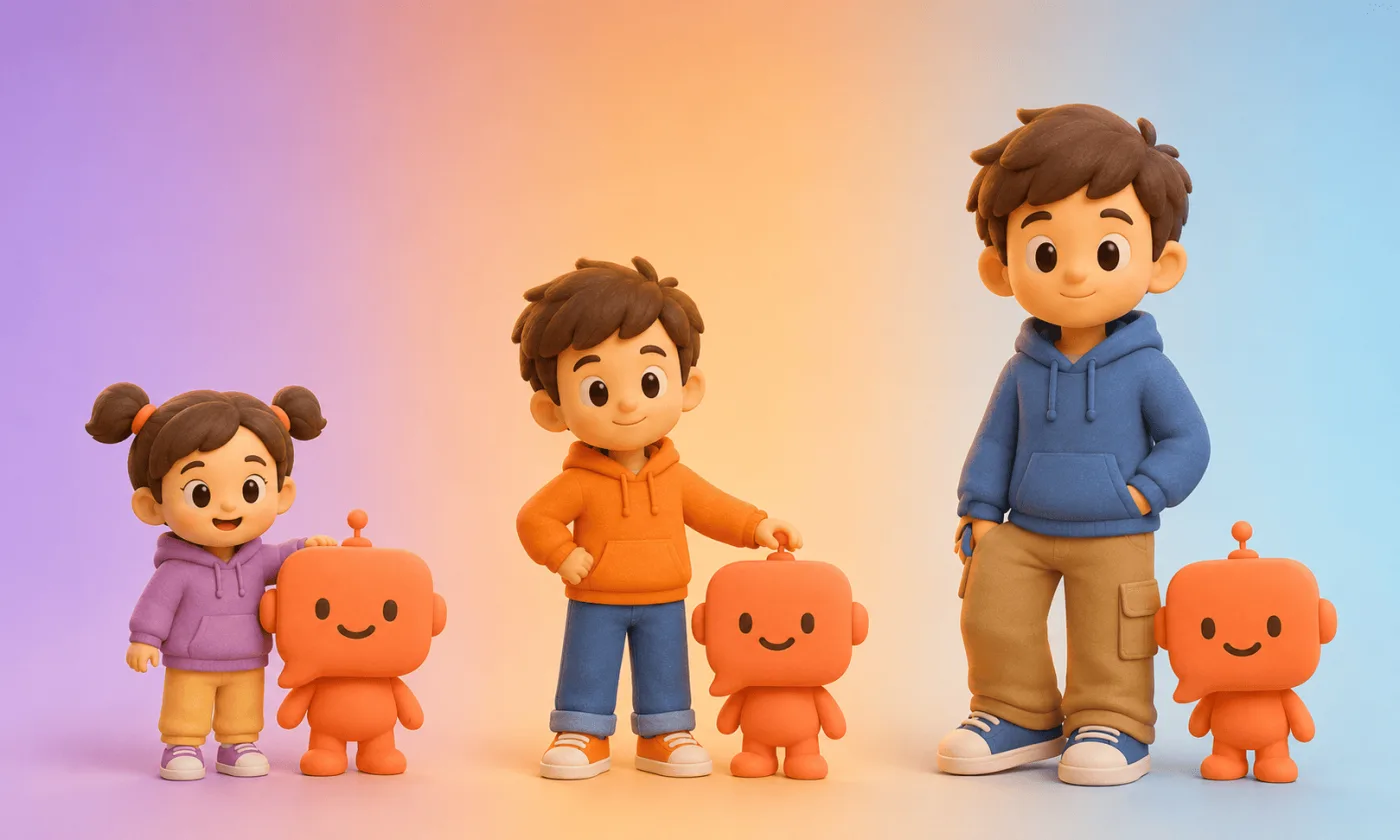
Yoggi is designed for children aged 3 to 15. The AI automatically adjusts its vocabulary, response length, and complexity based on the child's age: simple 3-sentence answers for children under 7, more detailed explanations for older kids and teenagers.
How is Yoggi different from ChatGPT or Gemini?
ChatGPT and Gemini are designed for adults. They have no age-awareness, no automatic content filtering, and no parental controls. Yoggi is purpose-built for children: it adapts to the child's specific age, refuses inappropriate content by design, supports voice input and text-to-speech for young readers, and gives parents full visibility through a protected dashboard.
How do parental controls work?
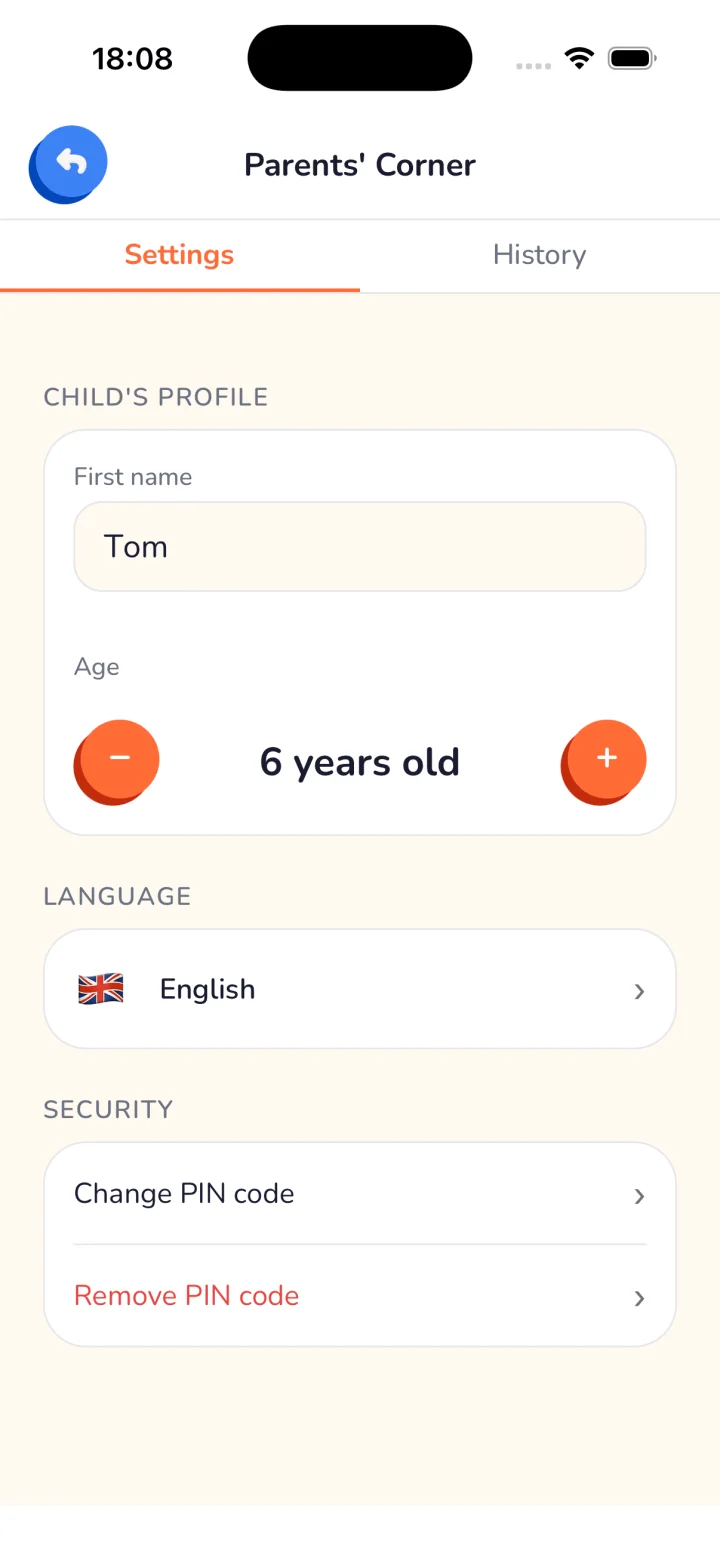
Parents access a PIN-protected "Parents' Corner" where they can browse the full chat history, manage child profiles, and adjust settings. The PIN ensures children cannot access or modify parental settings.
Does Yoggi work in languages other than English?
Yes. Yoggi supports 19 languages: English, French, German, Spanish, Portuguese (Portugal and Brazil), Italian, Dutch, Polish, Turkish, Ukrainian, Vietnamese, Japanese, Korean, Chinese (Simplified and Traditional), Hindi, Russian, and Indonesian. The AI always responds in the language configured for the child's profile.
Can my child use Yoggi for homework help?
Yes. Yoggi can help with homework questions, explain concepts, and encourage curiosity, always at the right level for your child's age. It explains things in age-appropriate language rather than giving ready-made answers, which supports actual learning.
Is Yoggi free?
Yoggi is free to download: every child gets 50 AI messages for life plus a daily allowance (10–100 messages/day, set by the parent). A premium subscription removes the 50-message lifetime cap; the daily allowance still applies.
Can a 3-year-old use an AI chatbot?
With Yoggi, yes. For children aged 3–5, Yoggi uses the simplest possible vocabulary, responds in very short sentences, and supports voice input, so children who can't yet read or type can have a conversation by speaking.
Is Yoggi COPPA and GDPR compliant?
Yes. Yoggi complies with COPPA (Children's Online Privacy Protection Act) and GDPR-K requirements. The app is available on the Apple App Store and Google Play Store, both of which enforce strict child privacy standards.
Does Yoggi tell children it is an AI?
Yes, always. Yoggi never pretends to be human. When a child asks what Yoggi is, the app explains it is an AI in age-appropriate terms: simply for young children, more accurately for teenagers.
Does Yoggi alert me if something is wrong?
Yes. Every message your child sends is analyzed as it happens. If a conversation raises a genuine concern, Yoggi emails you immediately with a calm, factual explanation of what happened, capped at one alert email per day so you're informed without being overwhelmed. The alert always reminds you that it's AI-generated and doesn't replace your own judgment or professional advice.
What are the Daily AI Insights and Weekly Recap?
Every night, Yoggi analyzes your child's previous day of conversation and generates a short insight: mood, topics discussed, engagement level, and anything worth your attention. It's viewable in the app and included free on every plan. If you turn it on, a weekly recap combining the week's daily insights is also emailed to you.
Can I tell Yoggi about a sensitive situation in our family?
Yes. From the settings, you can flag sensitive topics (grief, separation, illness, and others) so Yoggi pays extra attention if your child brings them up. This never lowers Yoggi's baseline safety rules; it only makes Yoggi more attentive and gentle around topics that matter to your family right now.
Can my child have a live voice call with Yoggi?
Yes. Yoggi has a real-time voice call mode: your child taps a phone button and talks to Yoggi live, with continuous two-way audio and no text on screen. The full transcript is available to you afterward in the history; your child cannot reopen it. Free accounts get 5 minutes for life, premium accounts get 10 minutes a day.
Can Yoggi generate images for my child?
Yes. When a child asks to see something, Yoggi can generate a cartoon-style image right inside the chat. Every request passes through three layers of safety, including a fixed style template that forbids scary content, text, realistic people, or copyrighted characters. Free accounts get 5 images for life, premium accounts get 15 per day.
Can I make Yoggi more focused on learning instead of free chat?
Yes. You can choose between Free Play, where Yoggi chats about anything your child brings up, and Learning Mode, where it always steers conversations back toward reflection and discovery. It's set during onboarding and changeable anytime from settings; your child never sees or controls it, and safety rules stay identical in both modes.